Git is a popular version control system used by developers all over the world. It allows developers to collaborate on code and manage version control with ease. However, many developers find Git’s command-line interface to be daunting and confusing. This is where GIT Extensions comes in.
GIT Extensions is a free and open-source graphical user interface (GUI) tool for Git that allows developers to use Git without needing to use the command-line interface.
GIT Extensions offers a wide range of features that allow developers to manage their Git repositories with ease. Here are some of the key features of GIT Extensions:
- Graphical User Interface (GUI): With GIT Extensions, developers can use Git with a graphical user interface. This makes it easier to navigate through the various features of Git and to perform common Git operations.
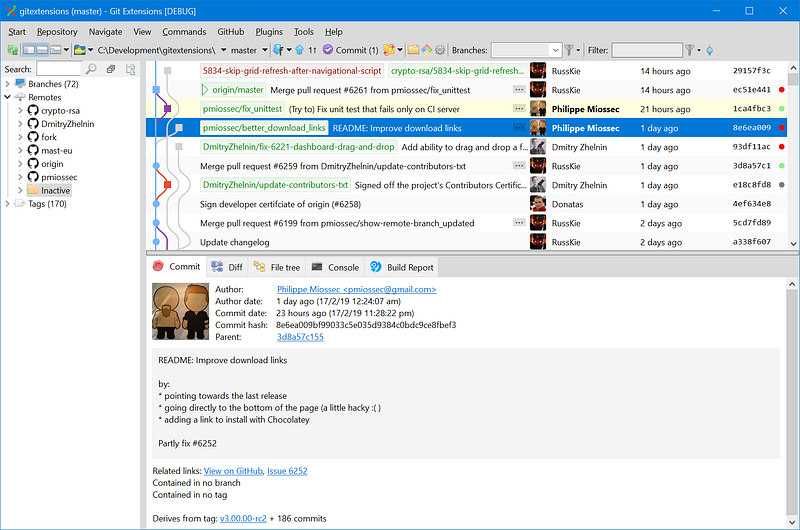
2. Repository Management: GIT Extensions allows developers to manage multiple Git repositories from within the same interface. Developers can create new repositories, clone existing ones, and manage remote repositories with ease.
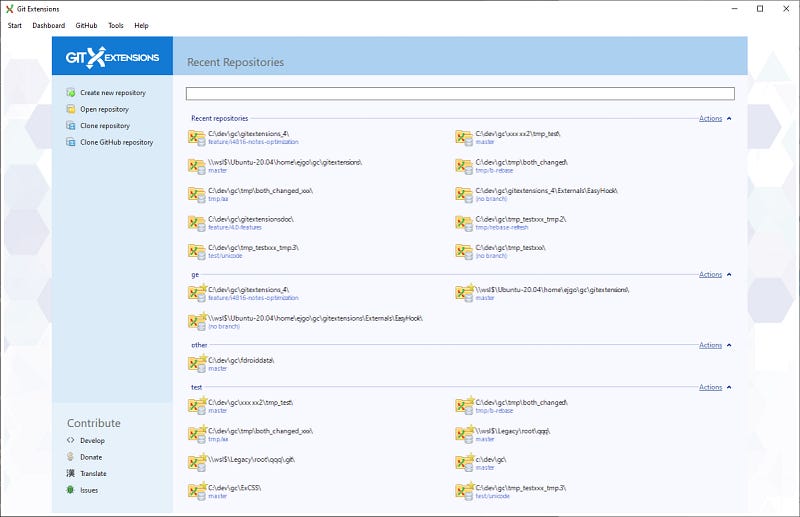
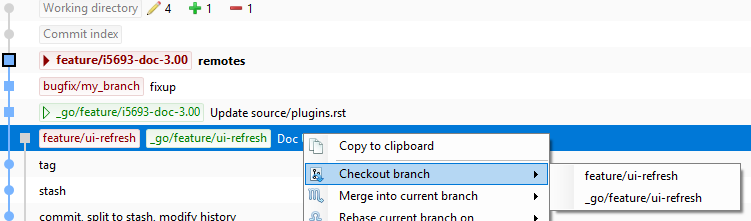
3. Branching and Merging: GIT Extensions makes it easy to create branches and merge changes from different branches. Developers can visualize the changes between branches and merge changes with just a few clicks.
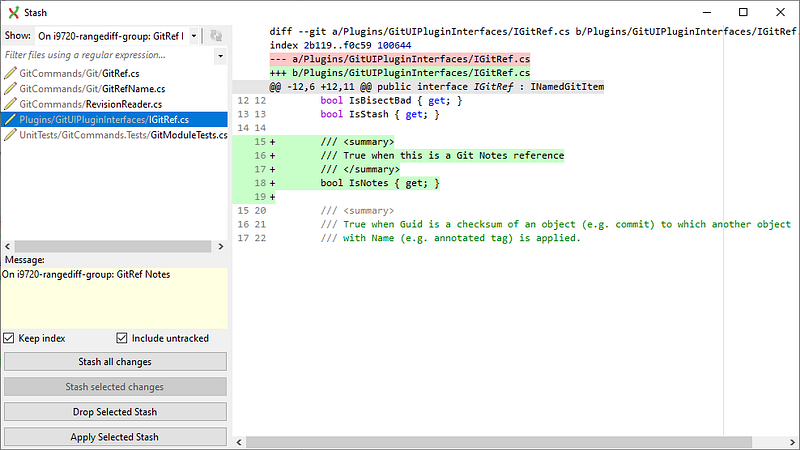
4. Stashing and Unstashing Changes: GIT Extensions allows developers to stash their changes and bring them back later. This can be useful when switching between branches or when working on multiple features at the same time.
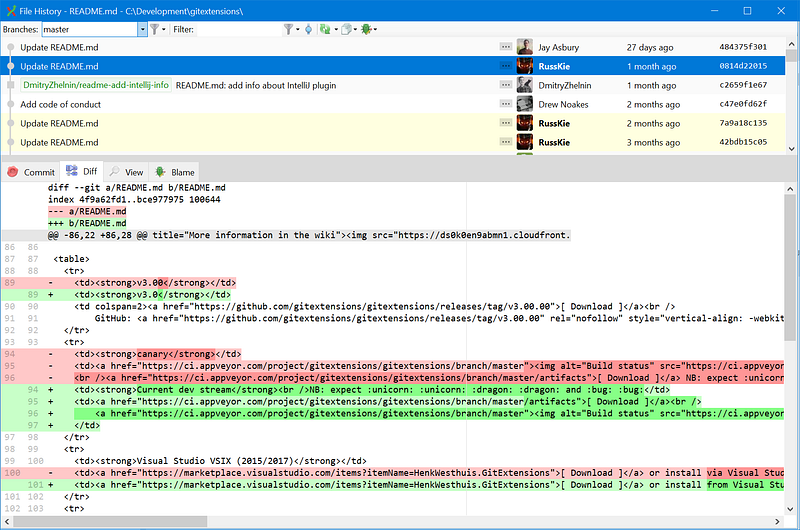
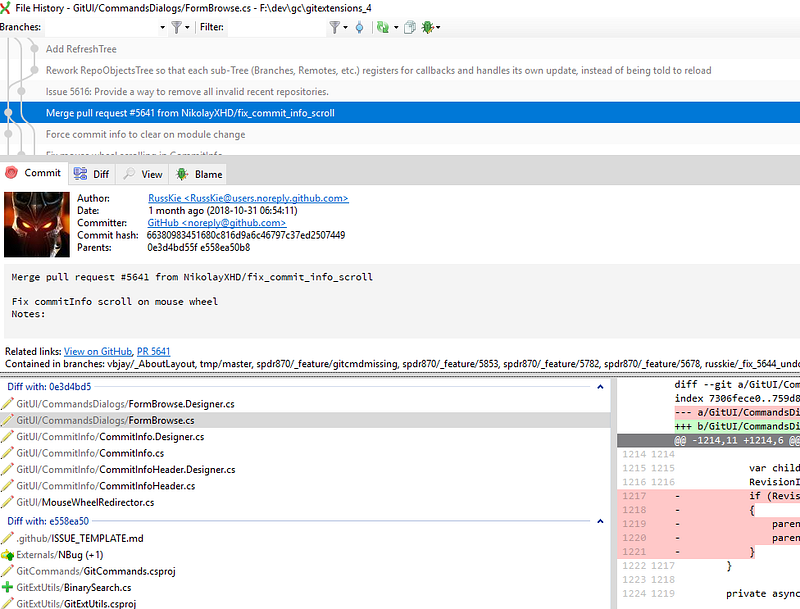
5. History and Log: GIT Extensions allows developers to view the history of their Git repository and to see who made changes and when. Developers can also view the log of their Git repository and see the changes made to each file.
6. Committing Changes: GIT Extensions allows developers to commit changes to their Git repository with ease. Developers can add files, write commit messages, and push changes to the remote repository with just a few clicks.
Using GIT Extensions can save developers time and make Git easier to use. Developers who are new to Git or who find the command-line interface intimidating can use GIT Extensions to get started with Git quickly and easily. GIT Extensions is also useful for experienced developers who prefer to use a graphical user interface or who need to manage multiple repositories at once.
I have been using GIT Extensions for more than 2 years without needed command line.
In conclusion, GIT Extensions is a powerful tool for managing Git repositories with ease. With its graphical user interface and wide range of features, GIT Extensions makes it easy for developers to use Git without needing to use the command-line interface. Whether you are new to Git or an experienced developer, GIT Extensions can help you manage your Git repositories with ease. Give it a try and see how it can make your Git workflow more efficient and effective.
Happy coding!
Resources:
https://git-extensions-documentation.readthedocs.io/en/release-4.0/